

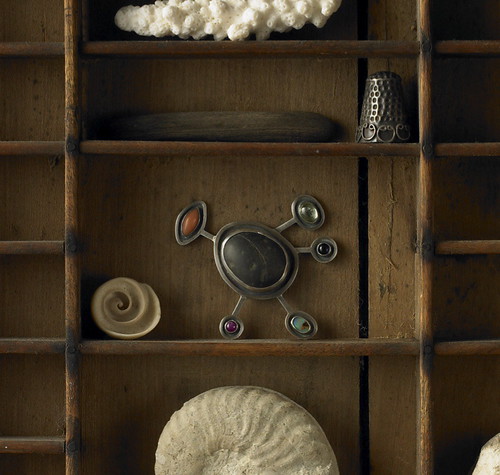
I edited the layout of the blog to allow for larger images. I have wanted to figure this out for ages as the body of the blog always seemed to narrow for me. Well, thanks to Geninne's Art blog I figured it out last night. These photos were taken by my friend Chris Plavidal, I love their little treasure box quality.
ETA: I was asked to give some info on how I did this. First you have to widen the body of your blog by editing the html template. I had been scared to mess with this, but it was super easy. Here is the tutorial I used. However, I found those numbers to be too big and used 850 for outer wrapper and 600 for main wrapper. Blogger photo upload still won't make the photos bigger, though I can put two side by side now. So, you have to host your image in flickr, or whatever photo service that you use. Then copy the image from there and paste into your blog post. Since I made my blog body 600 pixels wide that is now the largest width of photo that I can use. I hope that helps.

ETA: I was asked to give some info on how I did this. First you have to widen the body of your blog by editing the html template. I had been scared to mess with this, but it was super easy. Here is the tutorial I used. However, I found those numbers to be too big and used 850 for outer wrapper and 600 for main wrapper. Blogger photo upload still won't make the photos bigger, though I can put two side by side now. So, you have to host your image in flickr, or whatever photo service that you use. Then copy the image from there and paste into your blog post. Since I made my blog body 600 pixels wide that is now the largest width of photo that I can use. I hope that helps.


